

“Can I Make My Website Mobile Friendly?” Well, as always it depends, in the vast majority of cases the answer is “Yes”. But for some, the answer will be more painful than others.
Understanding Mobile Friendliness
First off, it’s crucial to understand what it means for a website to be ‘mobile friendly’. At its most simple, a mobile friendly website is one that displays as designed on handheld devices such as smartphones and tablets. That is any smartphone or tablet – they vary a lot.
But it goes beyond that, it must have text you can read without zooming or horizontal scrolling. Links, buttons and other ’clickable’ page elements must be easy-to-click – even for those with stubby fingers. It must be easy to operate. In short it needs to look like it was designed specifically for the device your user is using. They may all be using different devices and that, dear reader, is the challenge.
Also, a mobile friendly website needs to be fast. All websites need to be fast but the need is more urgent when considering mobile friendliness.
So is a Mobile Friendly Site Essential?
There are a few websites where it isn‘t necessary, but very few. Some businesses sell mainly to clients in the office environment where large monitors are used. Some web applications are written specifically for authorised personnel on a known set of devices – where search engines have no bearing.
But any website which depends on search engines for attracting traffic really must work well on a touch-screen device. Any website where the end user’s device cannot be anticipated really should.
So What to I Need to Do to Create A Mobile Friendly Website?
Responsive Design
The first step towards creating a mobile friendly website is implementing a responsive design. Responsive design ensures that your site’s layout adjusts according to the screen size and orientation of the device being used. This means that whether your visitor is using a smartphone, tablet or desktop computer, they will have an optimal viewing experience.
There are several ways to implement responsive design. You can use CSS media queries to adjust your site’s layout based on screen size or use a responsive theme if you’re using a content management system like WordPress.
Speed and Data Optimisation
Access to data is often an issue for mobile users:
- Mobile users are often out and about. Once out of the range of WIFI access to data is far less reliable, users have to rely on mobile data.
- Mobile data is often a finite resource – part of the mobile user’s payment plan. If you use up too much data sending huge images to tiny screens, you will make no friends.
- Mobile data is often patchy with signal dropping in and out. To ensure your users can get the complete page, scripts, images, fonts, stylesheets and the web page itself, you need to keep the whole package (or payload) as small as possible and deliver it as quickly as possible.
- People on the move quite simply have more distractions and less time than traditional desktop users – they want their experience fast.
Given that most people browsing the internet are using a mobile device, Google prioritises mobile experience when ranking search results. And, given that speed and data size affect mobile page experience directly, Google considers load speed as a critical ranking factor. Optimise your site and minimise HTTP requests by combining files and reducing their size.
Images
Typically the largest part of any website data payload is the images – they always have been. It’s worth a post in itself – so here it is.
Typically, when displaying a site on a mobile phone, fewer images are visible on screen than on their desktop counterpart. Traditionally, all images would be loaded to a website as the page itself is loaded. More recently, websites use lazy loading – a technology that loads images only as they appear on the screen. Lazy loading means no more image data is downloaded than is required.
A Little Knowledge …
Standard image formats for web need to be used with discretion – it takes some knowledge and skill to compress images appropriately with JPEG, PNG or GIF formats. More recently, Google has recommended developers use the WEBP (Web Picture) image format. WebP is an exceptionally versatile format: it supports transparency, animation, lossless compression and lossy compression. WebP file sizes are typically much smaller than their JPEG, PNG or GIF counterparts.
Similarly, the SVG image format is a newer image format which is increasingly used for displaying logos and other simple graphics. Somewhat like the EPS format (used in print) an SVG file describes an image in terms of outline shapes and fill colours – so that it remains pin-sharp regardless of the size at which it is displayed. SVGs are typically much smaller than their bitmap counterpart.
… You May Need a Little More
Unfortunately, not every browser supports these newer image formats. But this is changing: all modern devices and all major browsers do. But for 100% compatibility you need to incorporate code which ‘falls-back’ to traditional image support. For example.
<figure>
    <!-- Modern WEBP image for modern devices -->
    <img src="https://example.com/web-image.wepb" alt="Web Image Description">
    <!-- JPEG image for older devices -->
    <img src="image.jpg" alt="JPEG Image Description">
</figure>Code language: HTML, XML (xml)
A CDN (Content Delivery Network) is also a good idea for the delivery of images. This allows the delivery of images over an optimised network, leaving your server free to deliver your mobile website.
Also, for truly optimised image delivery, consider replacing the src attribute of your image tags with the srcset parameter. For example:
<img srcset="example-image-small.jpg 300w,
               example-image-medium.jpg 600w,
               example-image-large.jpg 1200w"
       sizes="(max-width: 600px) 280px,
              (max-width: 1200px) 550px,
              800px"
       src="example-image-default.jpg"
       alt="Responsive Image Example">Code language: HTML, XML (xml)
This means that a different image is downloaded and displayed for varying screen sizes but, again, this is a far more complicated integration. If you can’t find a code-based means of implementing it, this solution requires a lot of work.
A key aspect of user experience on mobile devices is easy navigation. Complex menus can be tricky to use on smaller screens and may lead to frustration. Therefore, your mobile site should have a simple, clear, and concise navigation menu.
Consider using a hamburger menu or a drop-down menu for mobile versions of your site. You should ensure that links and buttons are large enough to be easily clicked on smaller screens.
Readable Content
While providing visual content is important, it’s just as important that your content is easy to read on mobile devices. Avoid using small fonts that require users to zoom in to read the text.
Break up your content into shorter paragraphs and use subheadings, bullet points, and images to make it more digestible. Also, ensure there’s sufficient contrast between your text and background so that the text is clearly visible.
Mobile Friendly Forms
If your website includes forms (contact forms, order forms, etc.), they should also be optimised for mobile use. Form fields should be large enough for users to tap with their fingers, and it should be easy for them to switch from one field to another.
Making a Website Mobile Friendly
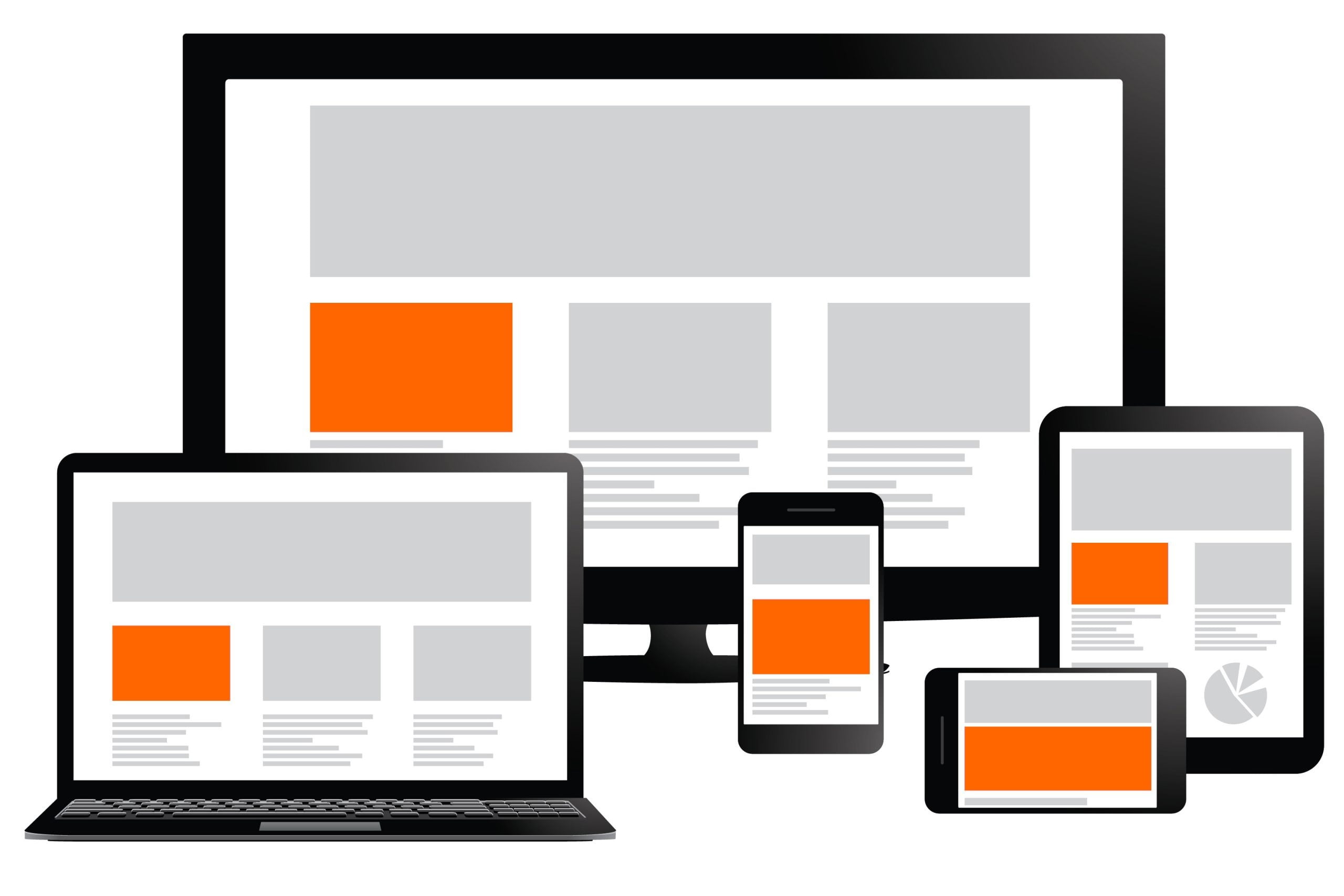
How do I Convert My Website to “Mobile Friendly?”
From here, it’s almost impossible to tell. To achieve a truly mobile experience requires in-depth CSS to achieve a responsive design, changes throughout the website code, optimised delivery of static files and re-compression of images.
If you’re using a system which delivers your website through themes or templates, you may be able to make a mobile website from your existing site – but it’s unlikely to look the same. If you’re using a less flexible framework, you or your developer is going to need to do a great deal of work.
Building a Mobile Friendly Website from Scratch
Most modern website frameworks will integrate some degree of mobile-friendliness. If your designer or developer proposes anything else, you need to look for another.
But, mobile-friendliness goes beyond picking a responsive theme. Appropriate technologies need to be chosen and applied throughout the development process. Ensure your developer understands how to leverage them all.